Corriger avec l'IA
La gestion de l'arriéré de vulnérabilités peut être un défi pour les équipes de développement comme pour les équipes de sécurité. Pour faciliter ce processus, Boost offre la possibilité de générer une correction des findings grâce à l'IA.
La correction assistée par IA est disponible pour les findings SAST, IaC et Secrets.
Prérequis
Assurez-vous que le Boost advisor est configuré pour votre/vos SCM
- Pour Azure Dev Ops
- Pour Bitbucket
- Pour GitHub
- Pour GitLab
Déclencher la correction avec l'IA
- Accédez à la vue des findings et filtrez sur le(s) finding(s) que vous souhaitez traiter.
-
Ouvrez les détails du finding et, sous le bouton déroulant de triage, sélectionnez "Fix with AI"
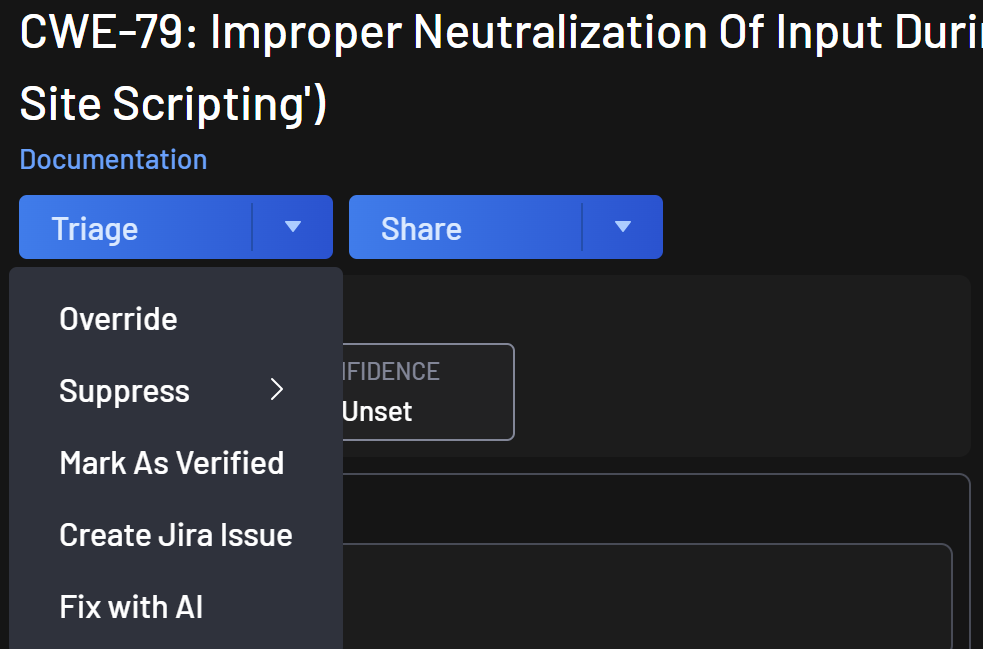
-
Une boîte de dialogue s'ouvrira vous demandant de confirmer la génération de la correction.
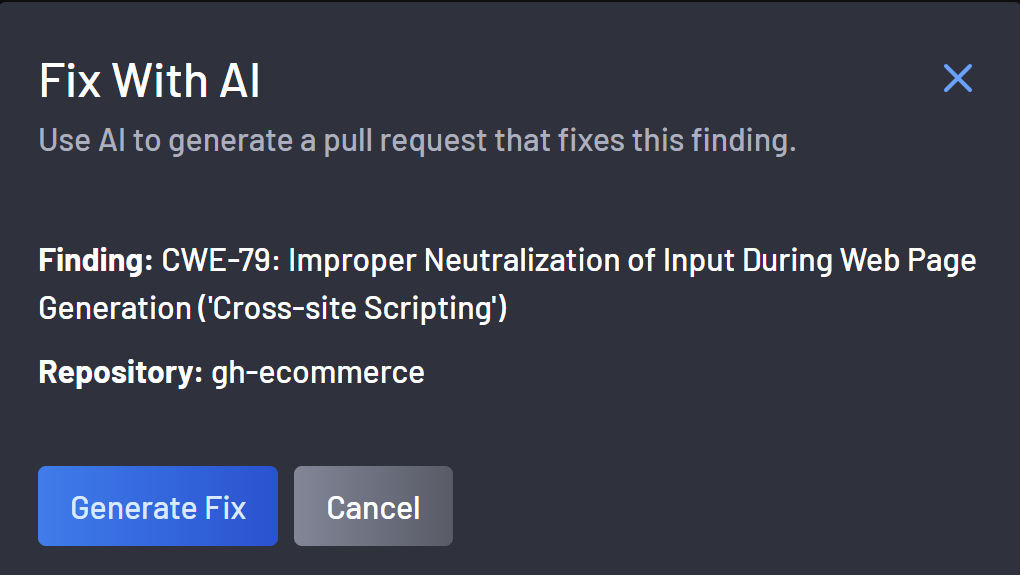
-
Une fois la correction avec l'IA déclenchée, la boîte de dialogue vous en informera et vous pourrez la fermer.
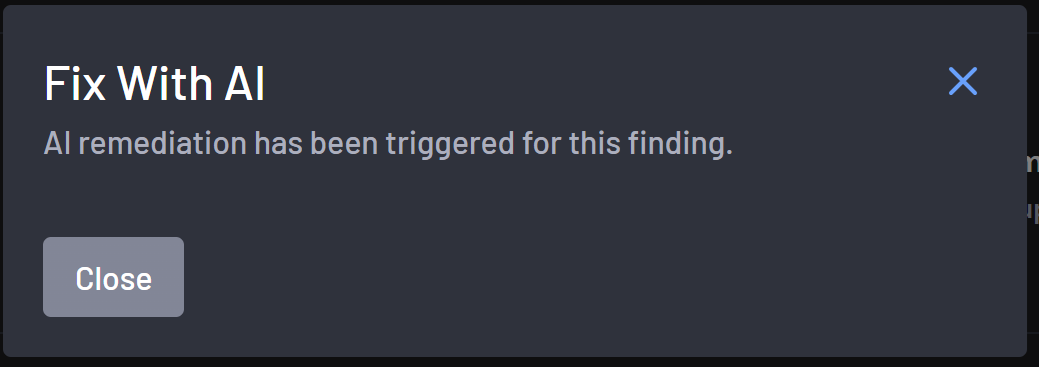
-
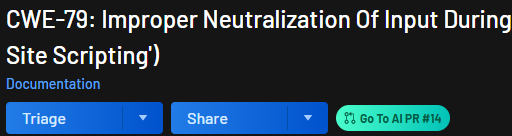
Pour suivre le statut de "Fix with AI", ouvrez les détails du finding. À côté du bouton de partage se trouvera le statut.
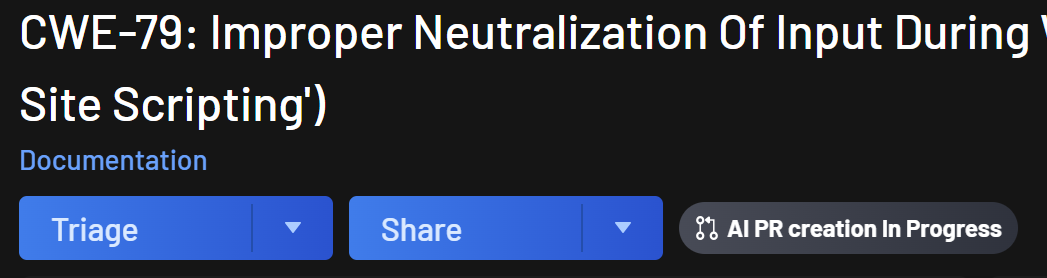
-
Une fois terminé, le statut sera mis à jour et vous pourrez cliquer sur "Go To AI PR # N" pour accéder à la Pull Request dans votre SCM. À partir de là, vous pourrez demander une revue à un développeur.