Fix with AI
Addressing the vulnerability backlog can be challenging for both developer and security teams. To ease that process Boost provides the ability to have finding remediation generated by AI.
Fix with AI is available for SAST, IaC and Secrets findings.
Prerequistes
Ensure that the Boost advisor is configured for your SCM(s)
- For Azure Dev Ops
- For Bitbucket
- For GitHub
- For GitLab
Trigger fix with AI
- Go to the findings view and filter on the finding(s) you want to address.
-
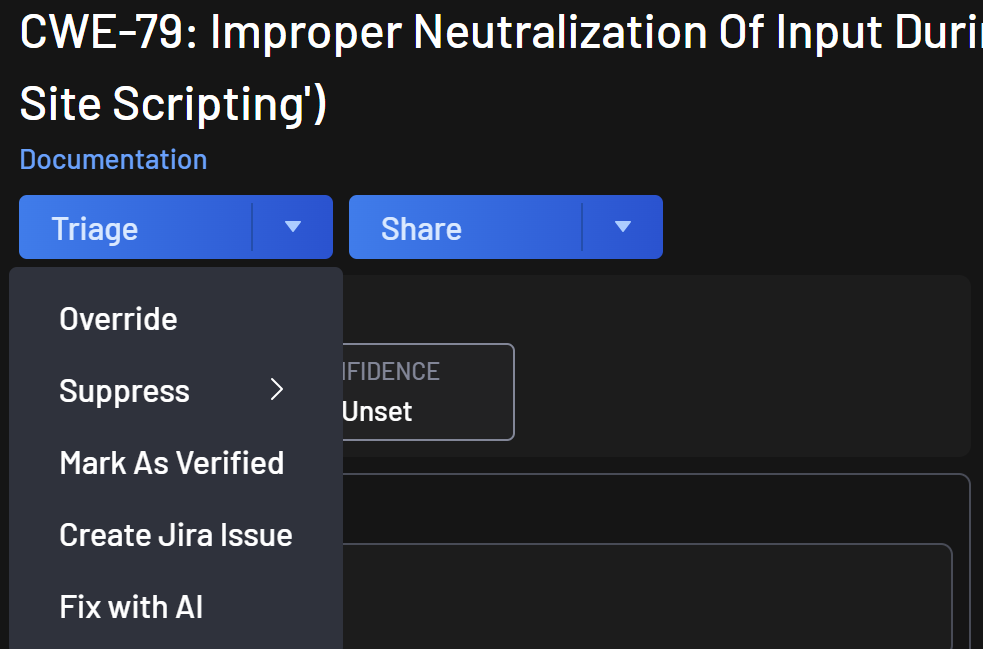
Open the findings details and under the triage dropdown button select "Fix with AI"
-
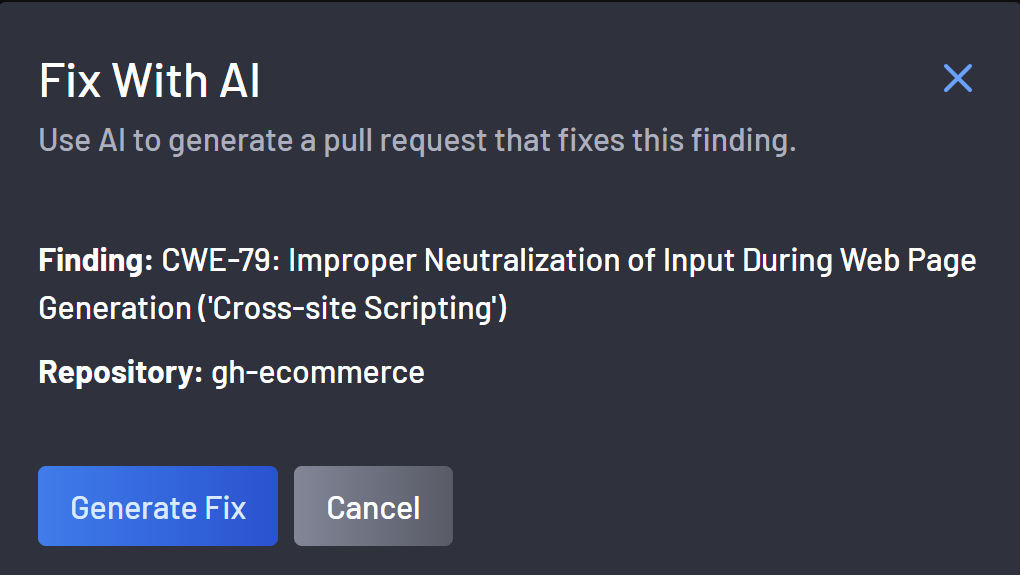
A dialog box will open asking you to confirm the fix generation.
-
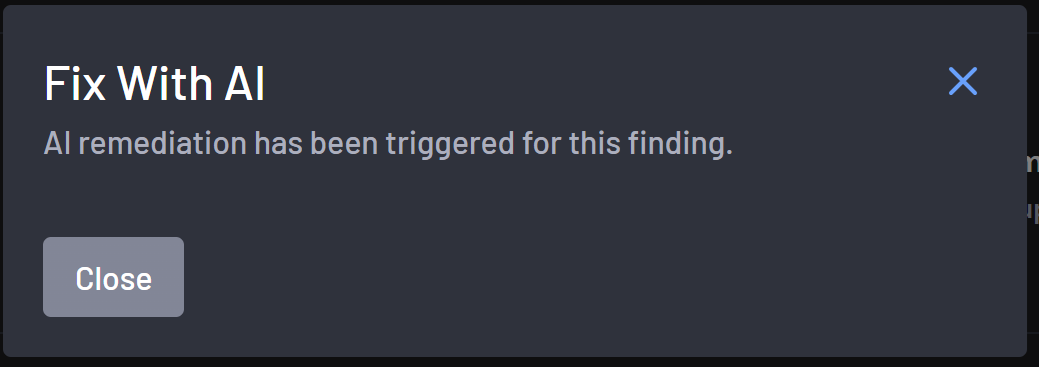
Once the fix with AI is triggered the dialog box will inform you and you can close it.
-
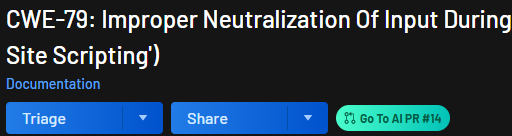
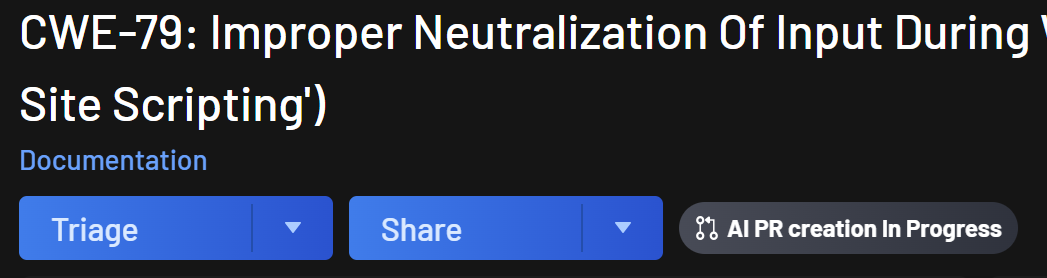
To follow the "Fix with AI" status, open the finding details. Next to the share button there will be the status.
-
Upon completion the status will update and you can click on "Go To AI PR # N" to access the PR in your SCM. From there you will be able to request a review from a developers.