Zero Touch Provisioning for Harness.io
Touch Provisioning (ZTP) for Harness.io enables the security check workflows to be executed from an Harness.io pipeline. This guide walks you through the process of setting up ZTP for Harness and every other thing you need to know.
Prerequistes
Before you begin, ensure you have:
- Integrated your SCM (Azure DevOps, BitBucket, GitHub, GitLab) to BoostSecurity.
- Create an Harness.io API key with the following permissions:
- View organizations: core_organization_view
- View pipelines:
core_pipeline_view - Run pipelines:
core_pipeline_execute - View projects:
core_project_view - Create/edit secrets:
core_secret_edit
- Create a Boost pipeline in an Harness project
- Harness pipeline template using cloud compute
- Harness pipeline template using a dedicated K8s cluster
- The organization id, the project id and the pipeline id.
Harness Integration Steps
- Locate the left sidebar and click on the Settings icon and open the Integration tab.
- Navigate to the Available integrations.
- Look for Harness and click the "Install" button.
-
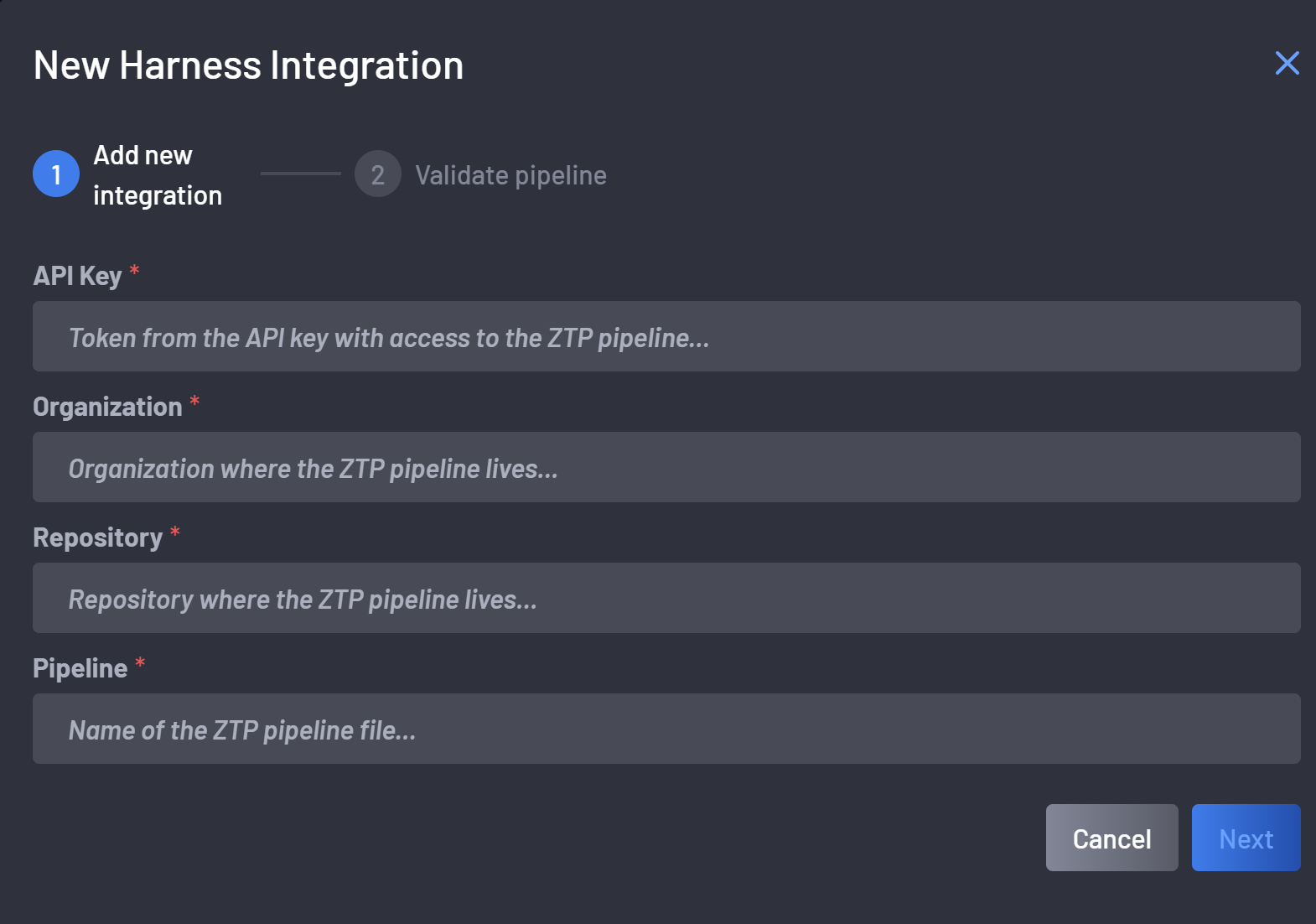
On the Access Token tab, provide the following details:
- The Harness API key
- The Harness organization id
- The Harness project id (repository input field)
- The Harness pipeline id
-
Click next to validate the pipeline. This will provision the
BOOST_API_TOKENin Harness project secrets and try to launch the Boost pipeline you have defined.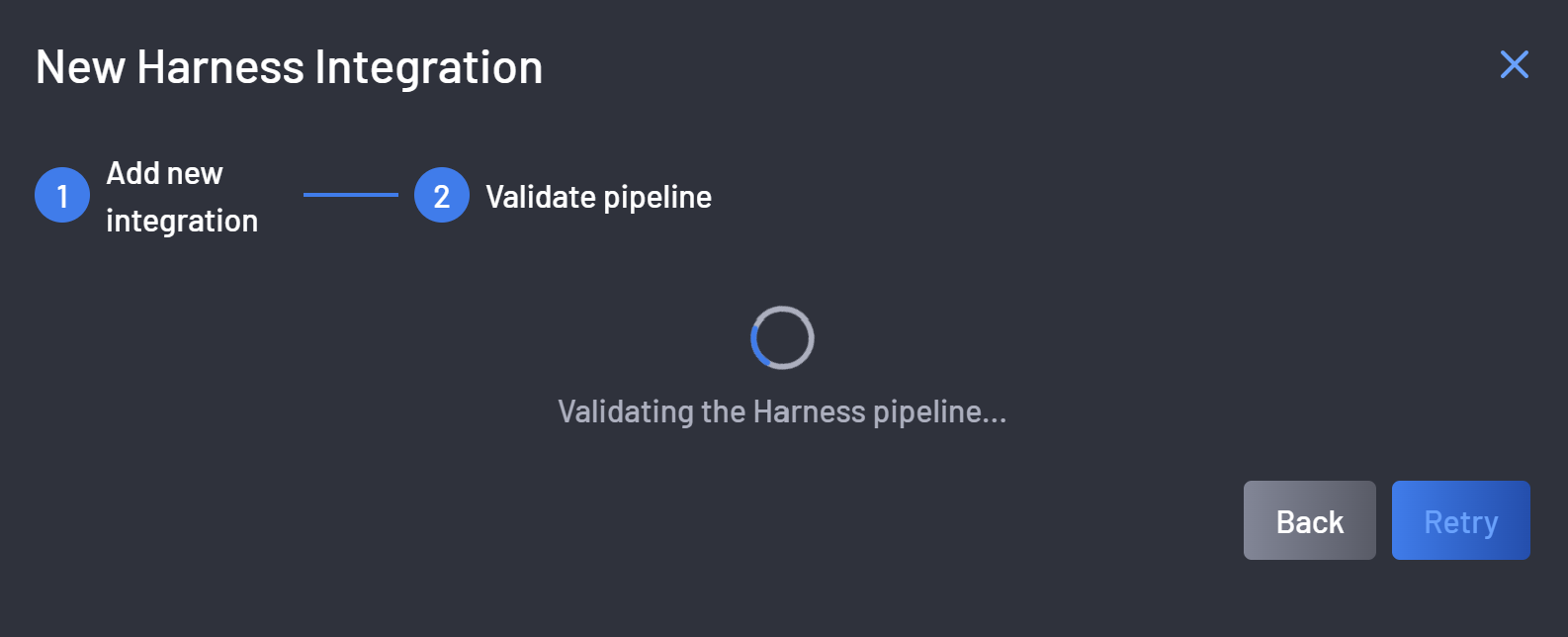
-
Once the pipeline is successfully validated the integration is completed
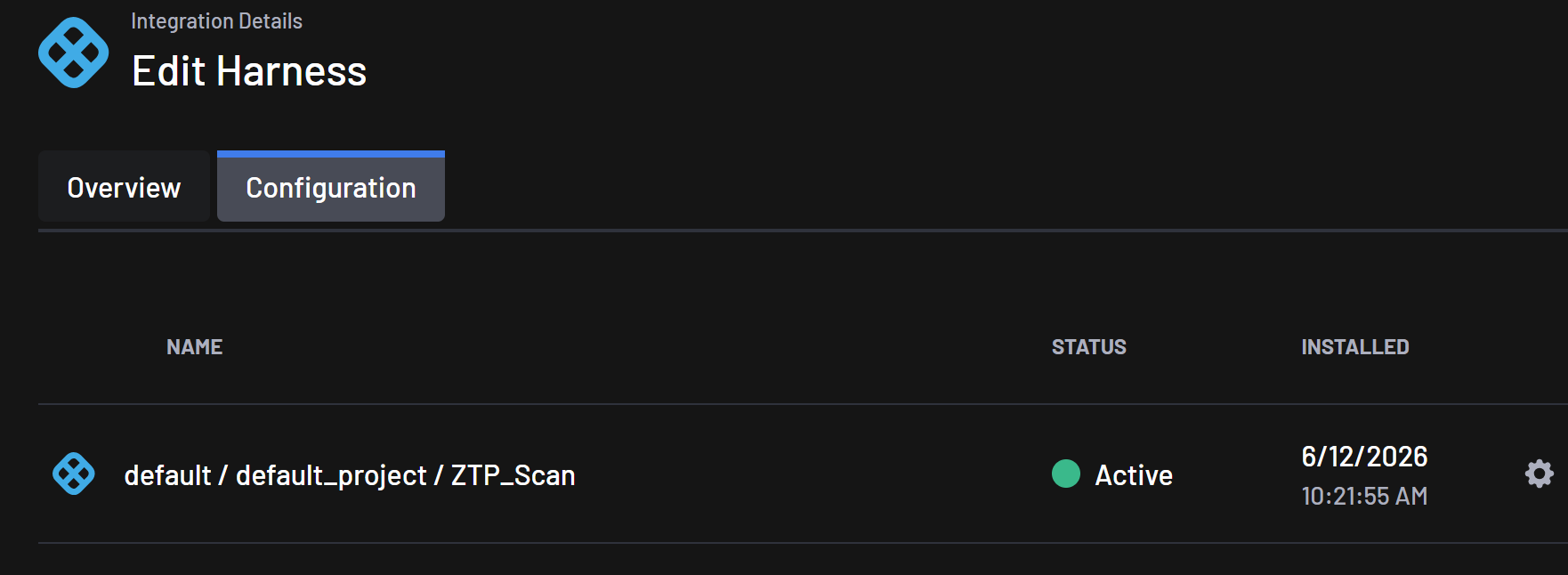
Integration Steps
-
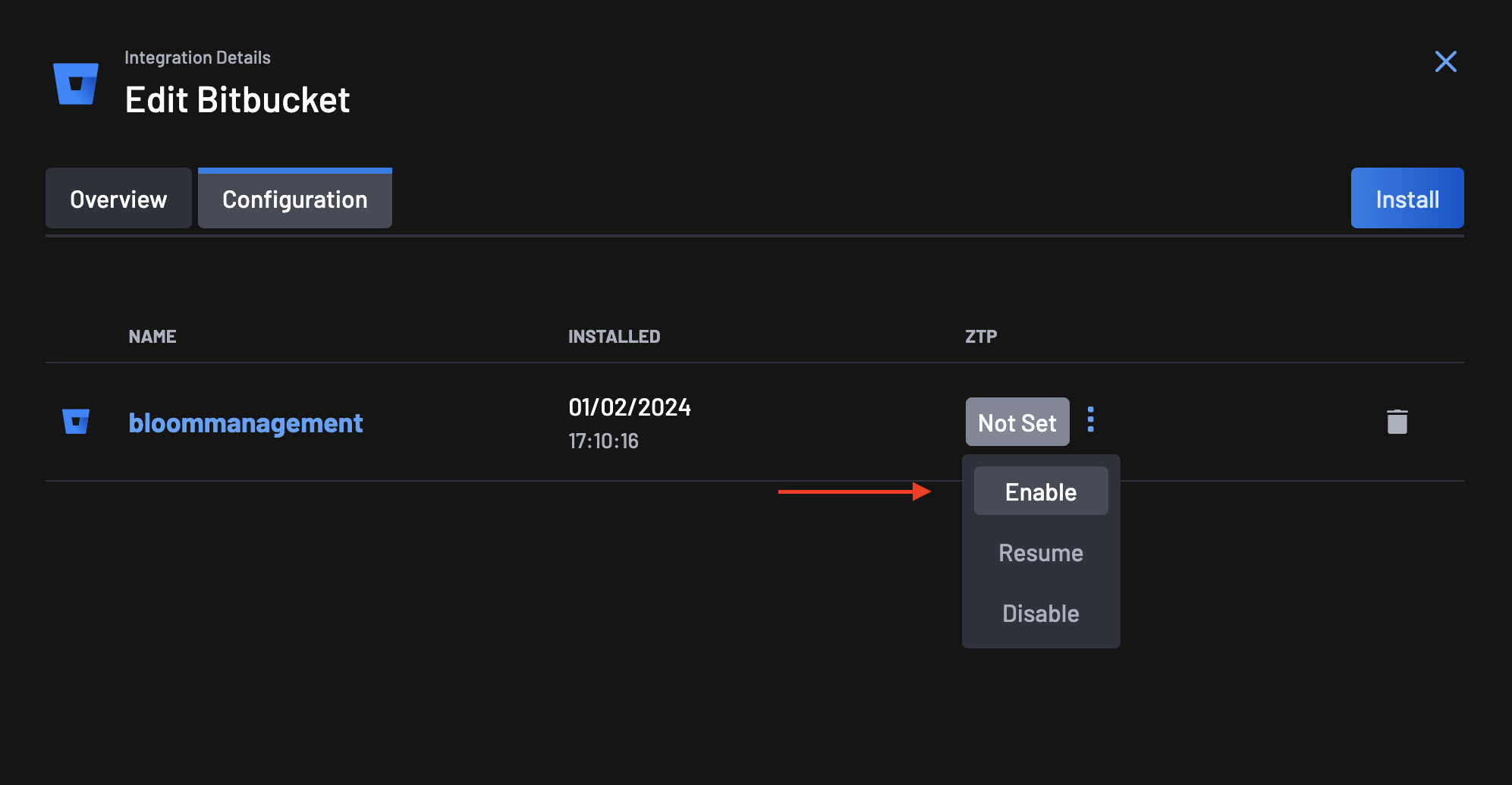
Go to the Integrations page, select your Bitbucket integration, and click on the configuration tab.
-
On the ZTP column, you will notice that the ZTP status is set to Not Set. Click on the actions menu next to the status and select Enable.
-
On the ZTP Wizard, the first step is to give Boost Security permissions for the Zero Touch Flow on your Bitbucket organization.
-
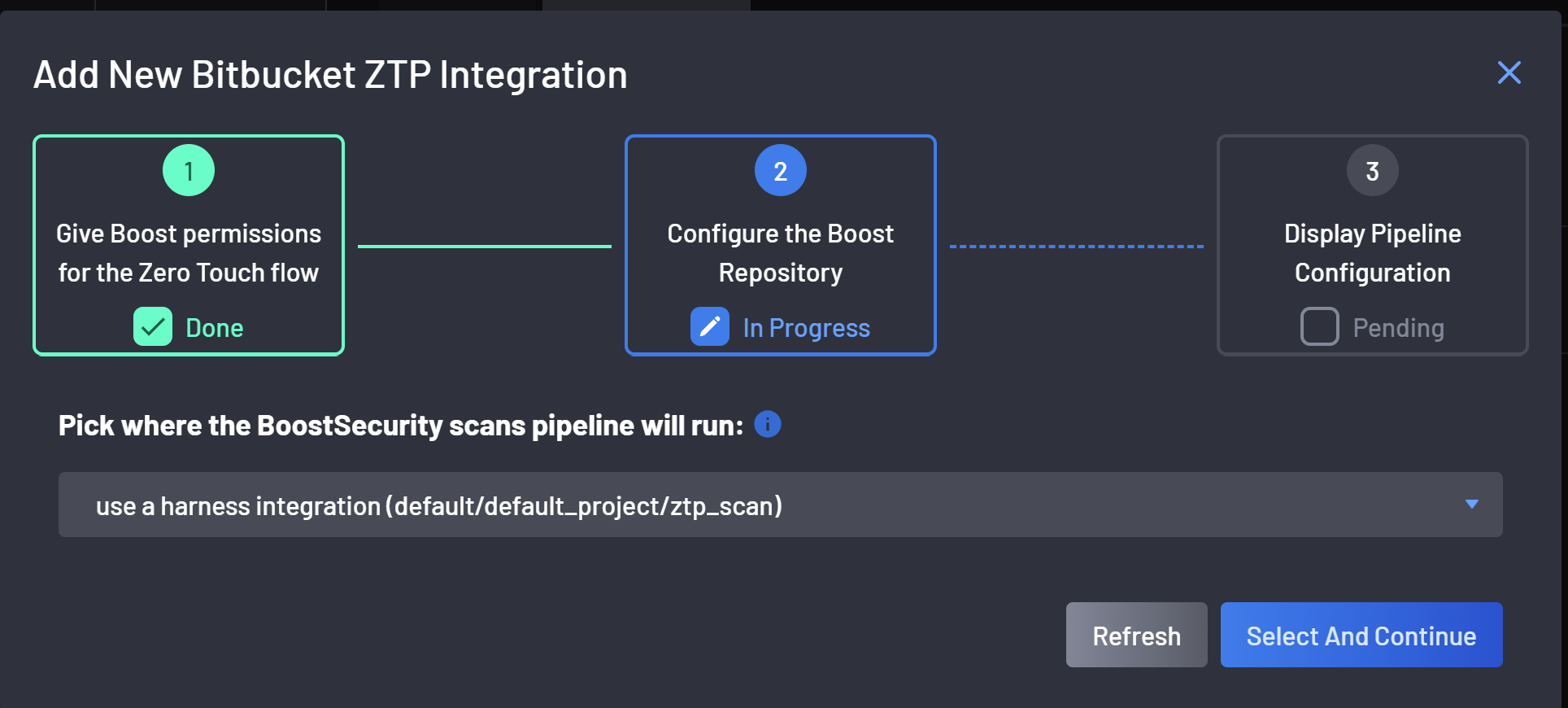
At the second step select the Harness pipeline in which ZTP will run:
-
The pipeline configuration is ready after a successful CI pipeline configuration!
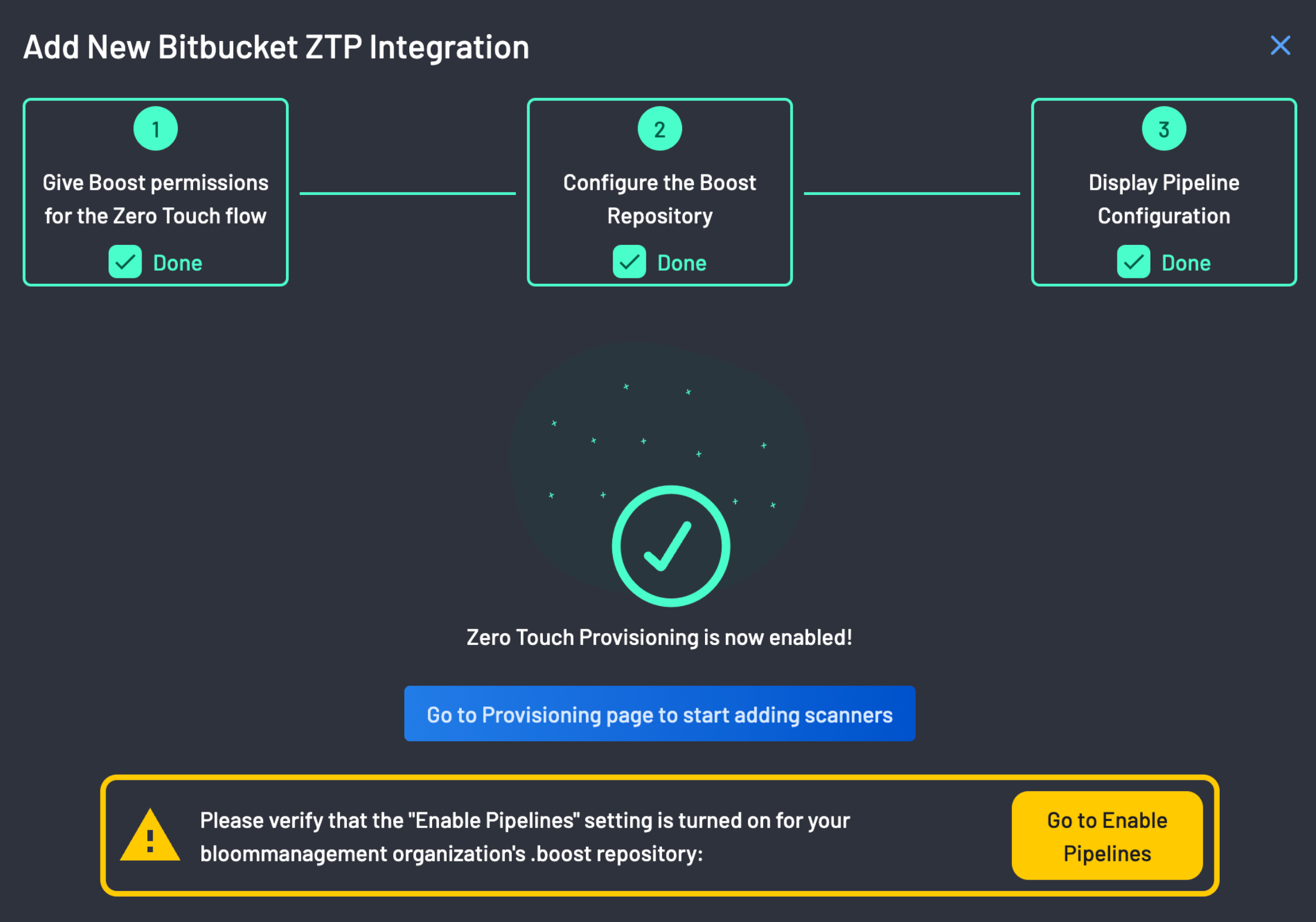
Zero Touch Provisioning is now enabled!!!